Hybrg Framework
What is Hybrg?
Hybrg is a game development framework that runs on multiple platforms. It combines the versatility and features of Bevy and Godot, using Rust for game development.
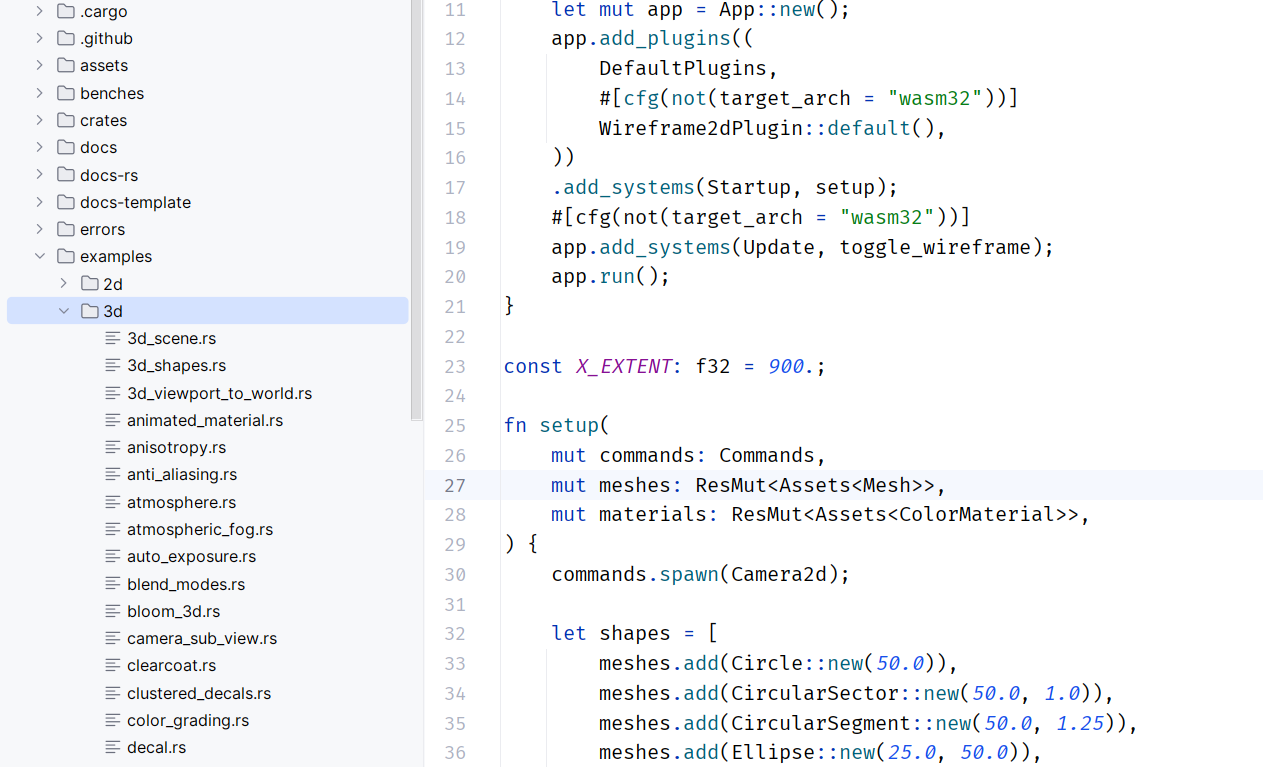
Getting the Framework
(The framework is currently in development and not publicly available yet. Stay tuned!)
Preparations Before Use
The following steps are based on Windows as an example. Appropriate notes will be added for other platforms.
Using rsproxy - Part 1
It is recommended to configure and use rsproxy, as the installation process may be very slow otherwise.
You can skip the 'Using rsproxy - Part(n)' sections if you do not wish to use it, or you can refer to https://rsproxy.cn for alternative methods.
In the terminal (e.g., PowerShell), set environment variables to complete the first step of rsproxy proxy configuration:
setx RUSTUP_DIST_SERVER "https://rsproxy.cn"
setx RUSTUP_UPDATE_ROOT "https://rsproxy.cn/rustup"
Installing Rust
Visit the official website to Download Rust x64.
Run rustup-init and choose option 1 by default
If you are not on Windows, or if you need to use other options such as mingw for compilation, please refer to other-ways-to-install-rustup.
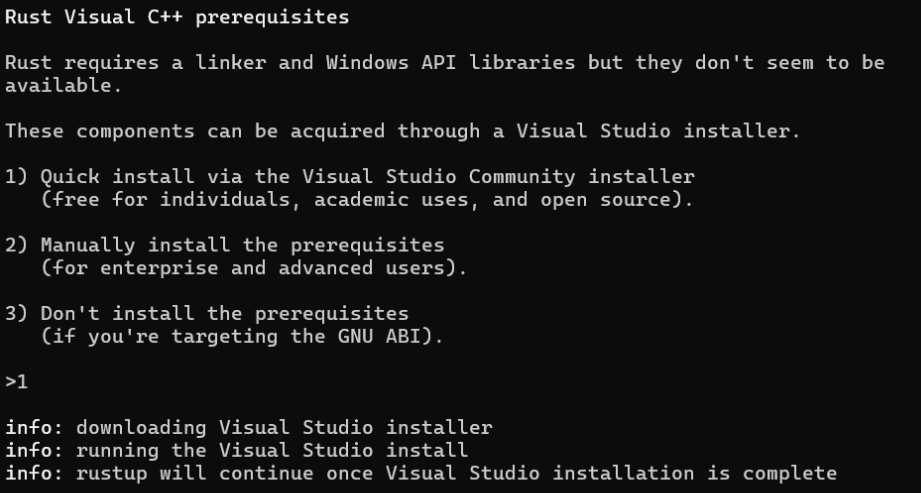
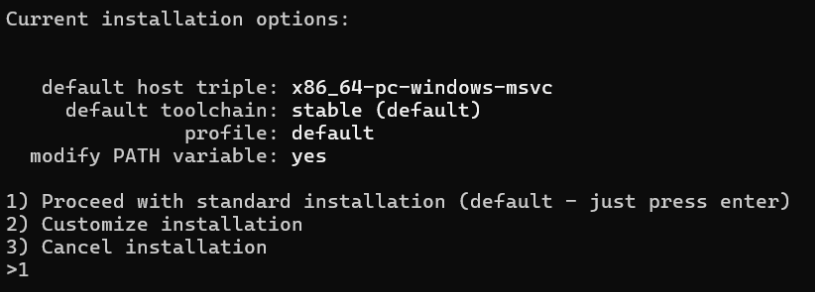
After installation, continue with the next step, choosing option 1 again
Using rsproxy - Part 2
After the installation, the .cargo toolset should have been generated in the corresponding directory.
Navigate to the %USERPROFILE%\.cargo directory, create a new file named config (without any extension), and write the following content to complete the second step of rsproxy proxy configuration:
[source.crates-io]
replace-with = 'rsproxy-sparse'
[source.rsproxy]
registry = "https://rsproxy.cn/crates.io-index"
[source.rsproxy-sparse]
registry = "sparse+https://rsproxy.cn/index/"
[registries.rsproxy]
index = "https://rsproxy.cn/crates.io-index"
[net]
git-fetch-with-cli = true
Use the command rustc -V in the terminal to verify if Rust has been successfully installed:

Installing Tools and Plugins
Recommended coding tools:
Plugin Installation (for JetBrains IDEs as an example)
Optional plugins include CodeGeeX / TONGYILingma / Trae / Continue, etc., which provide AI code assistance: